Your Brand, on the stream, in five minutes.
Live RC Overlays reads LiveTime on your scoring PC and gives OBS thirteen overlays that run themselves: tower, top five, ticker, results, flags, fastest lap, podium and more. Your name and logo on every one.
Installs on the scoring PC
One easy installer. It runs as a Windows service from the moment the PC starts and restarts itself if anything goes wrong.
Every layout is a Browser Source
Open the home page on the OBS PC, copy each overlay's address into a Browser Source at the size shown, and you're done. Thirteen layouts, each live on the home page, so you can see what you are picking.
Make it yours from a browser
Track name, two title lines, a logo, colors. Change them from any browser on the network, and they change live. Press Settings; no OBS, no files.
The layouts
Tower · Top 5 · Ticker · Banner · Race box · Results · Standings · Flag · Start · Fastest lap · Podium · TQ · Sponsors
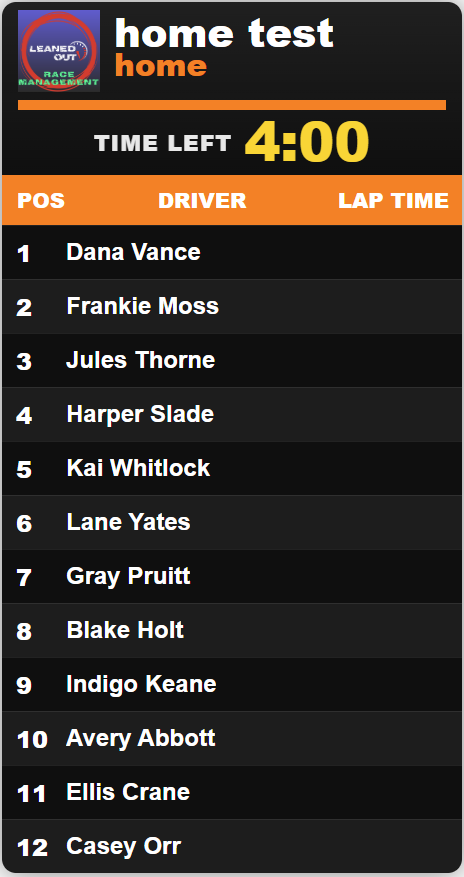

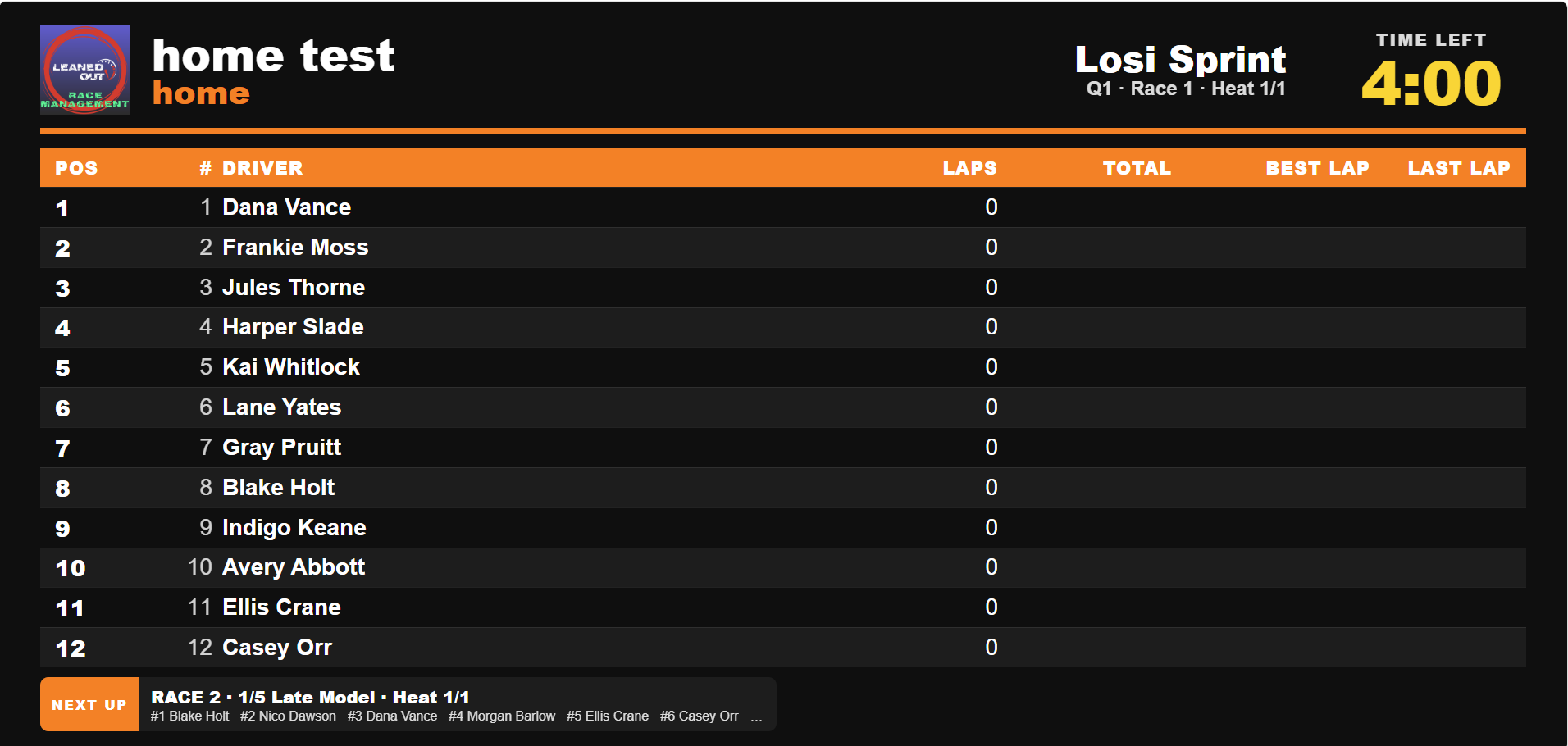
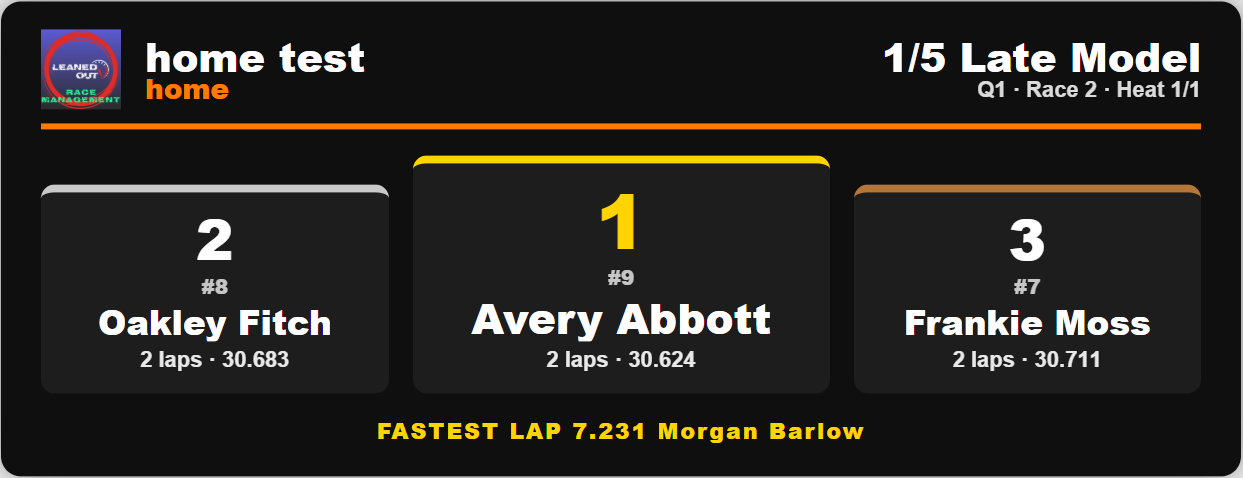
Around the track, not only on the stream
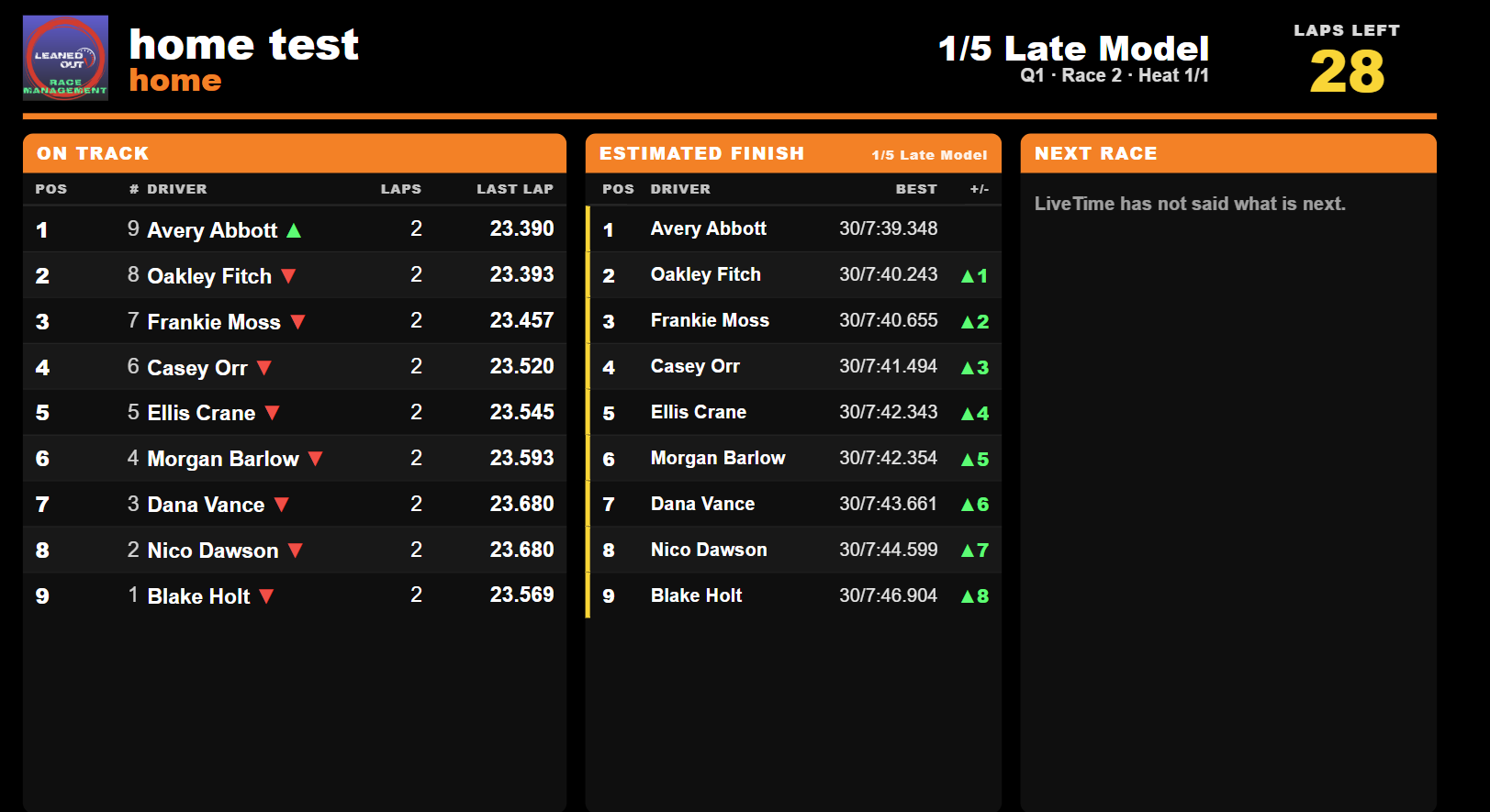
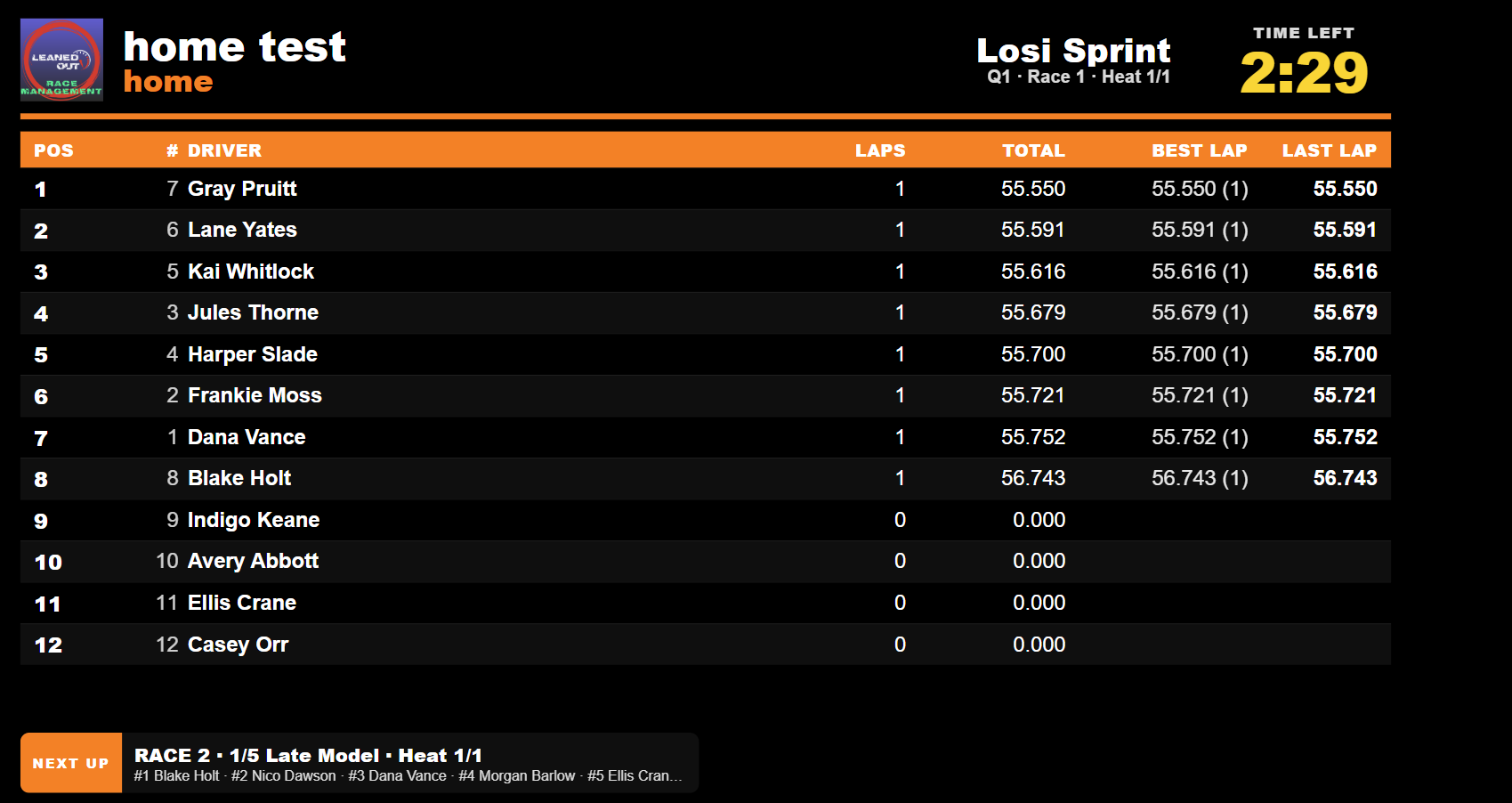
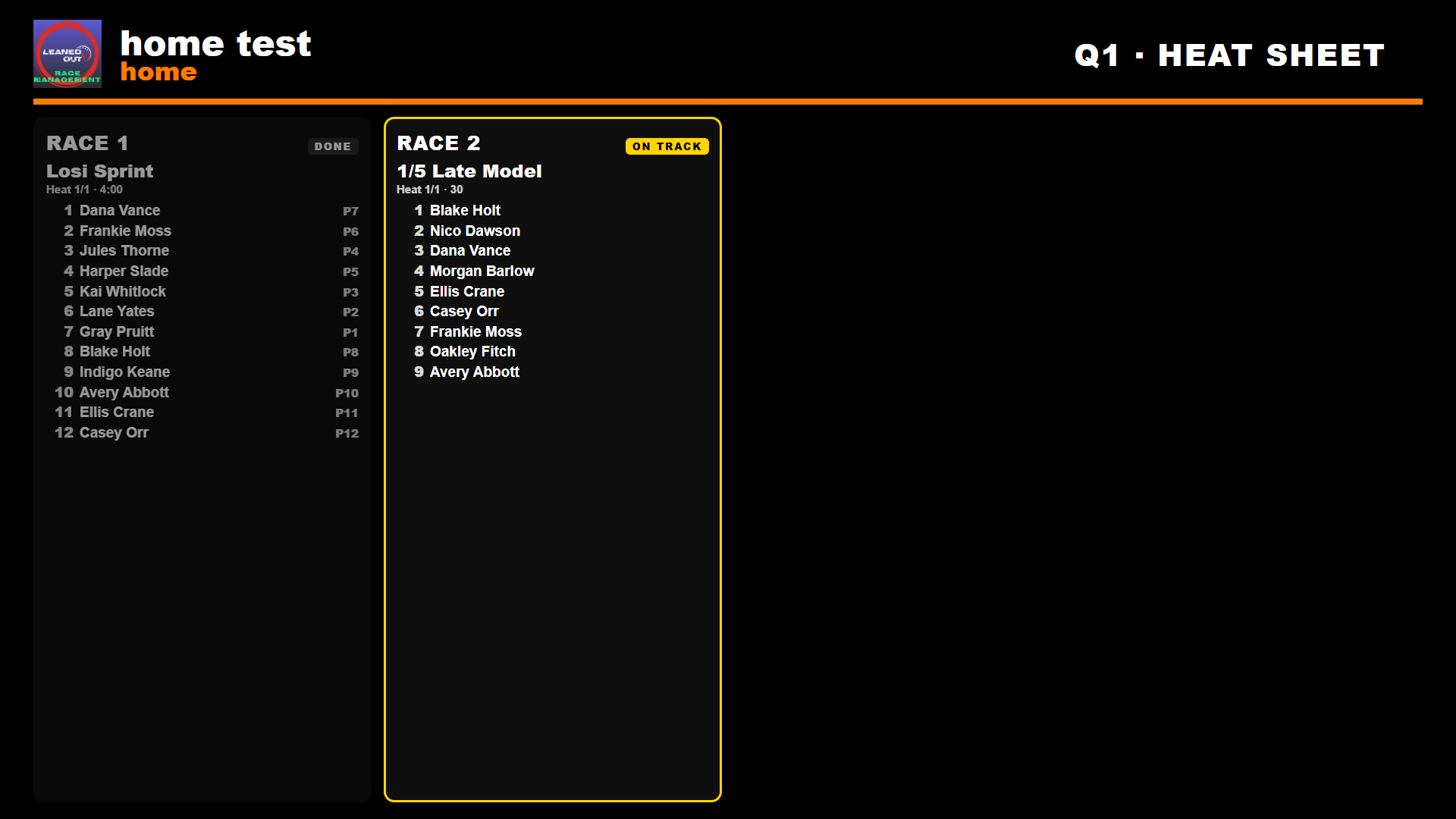
A TV page runs on any screen with a browser and no OBS behind it: the race on track, the estimated finish, the next race up. A three-panel page puts all three side by side for the big screen. The heat sheet page shows a QR code, so racers can read the heats on their own phones. It is live and has a search function.
If your TVs don’t have web browsers or you want plug-and-play, we have HDMI sticks available for purchase.
With the public heat sheet add-on, that same sheet lives on the web at your address, updates as the day runs, and matches your brand colors.
Getting started
Install the setup file on the scoring PC and fill in the setup card with the following: track name, title lines, logo, LiveTime password.
Try it for seven days with everything on. No code needed.
Activate with the code we send. The PC licenses itself on the spot and renews by itself from then on.
What does it need?
The Windows PC running LiveTime and an OBS computer on the same network. Nothing is installed on the OBS computer. If OBS is on the LiveTime computer, that works as well.
Does the scoring PC need internet?
For one minute, to type the activation code. After that, it never needs to be online, though if it is, the license renews itself.
Can I run it on two PCs?
One code, one PC. A second scoring PC is a second license.
Windows says it protected my PC.
Press More info, then Run anyway. It registers a Windows service and opens one firewall port, nothing else. Signing the installer so the warning goes away is on our list.
What happens if I stop paying?
The overlays keep running until your paid-through date plus seven days, then the home page says why, and they stop. Pay again, and they come back with no reinstall.