Leaned Out for your track
The whole race day, start to finish.
Built at the track, for the person running LiveTime, the stream and the sign-up sheet all at once. Race Management runs the sign-ups, the desk and race control. Live RC Overlays runs the stream and the TVs. Together, the day runs itself.
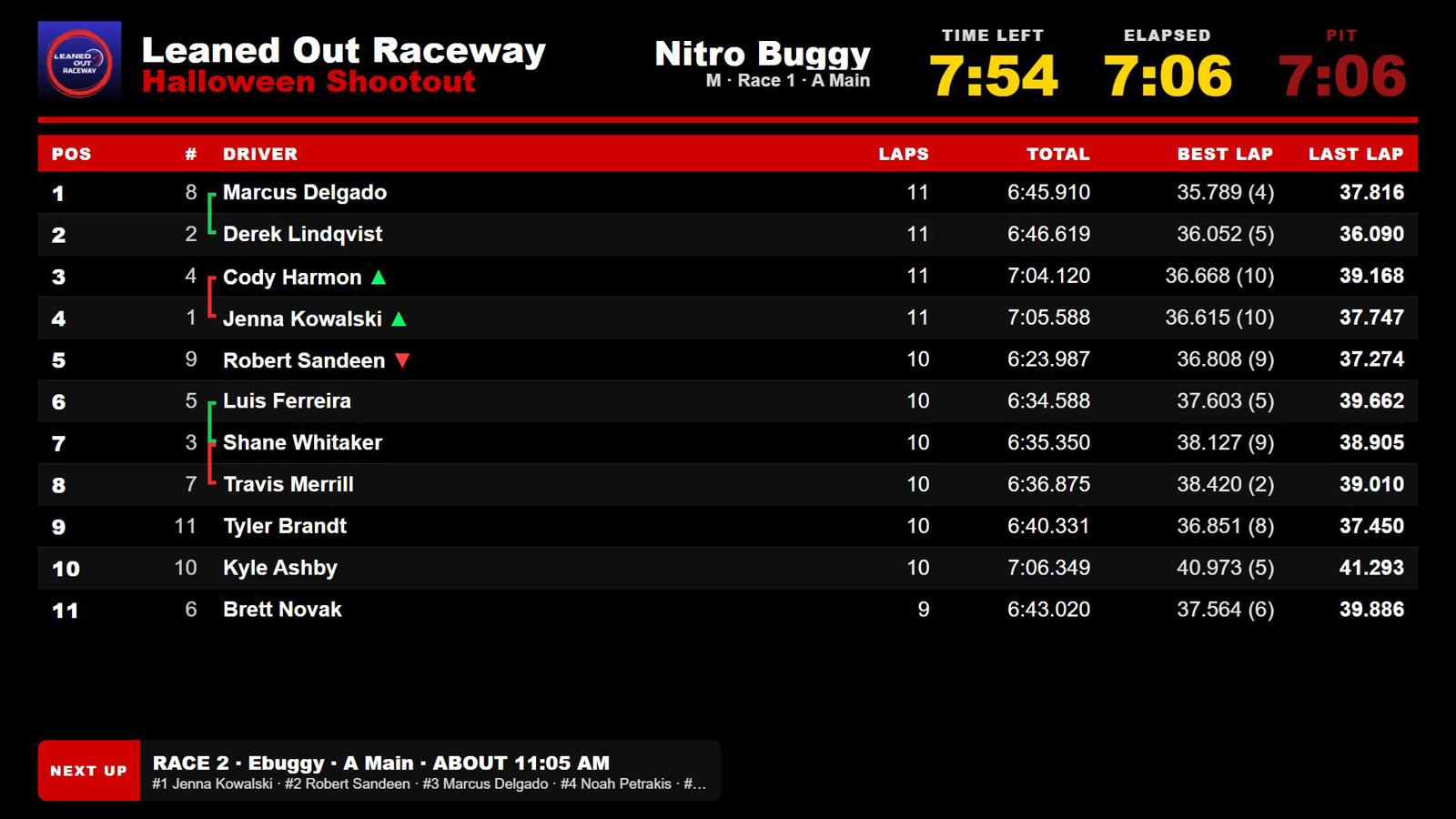
Race Management
$50 a month, per track
Phone sign-up, check-in and money at the desk, race control, texts and your racers' own pages.
See Race ManagementLive RC Overlays
$20 a month, per scoring PC
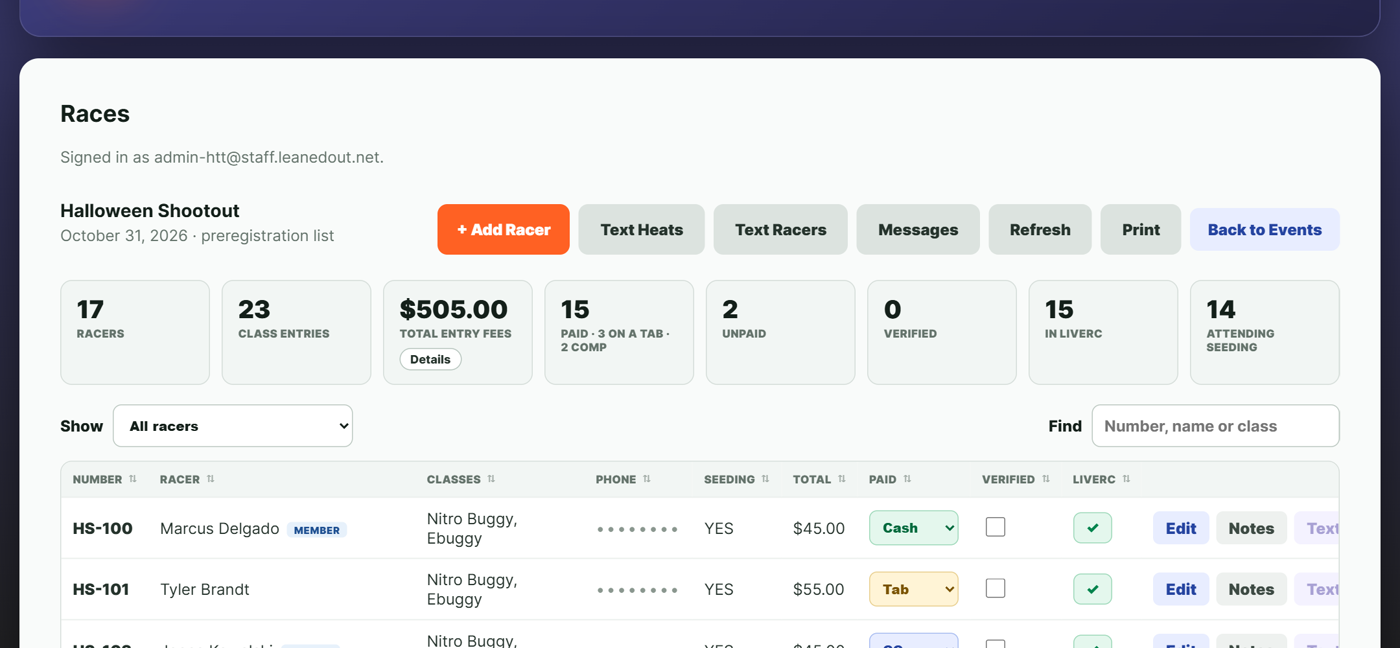
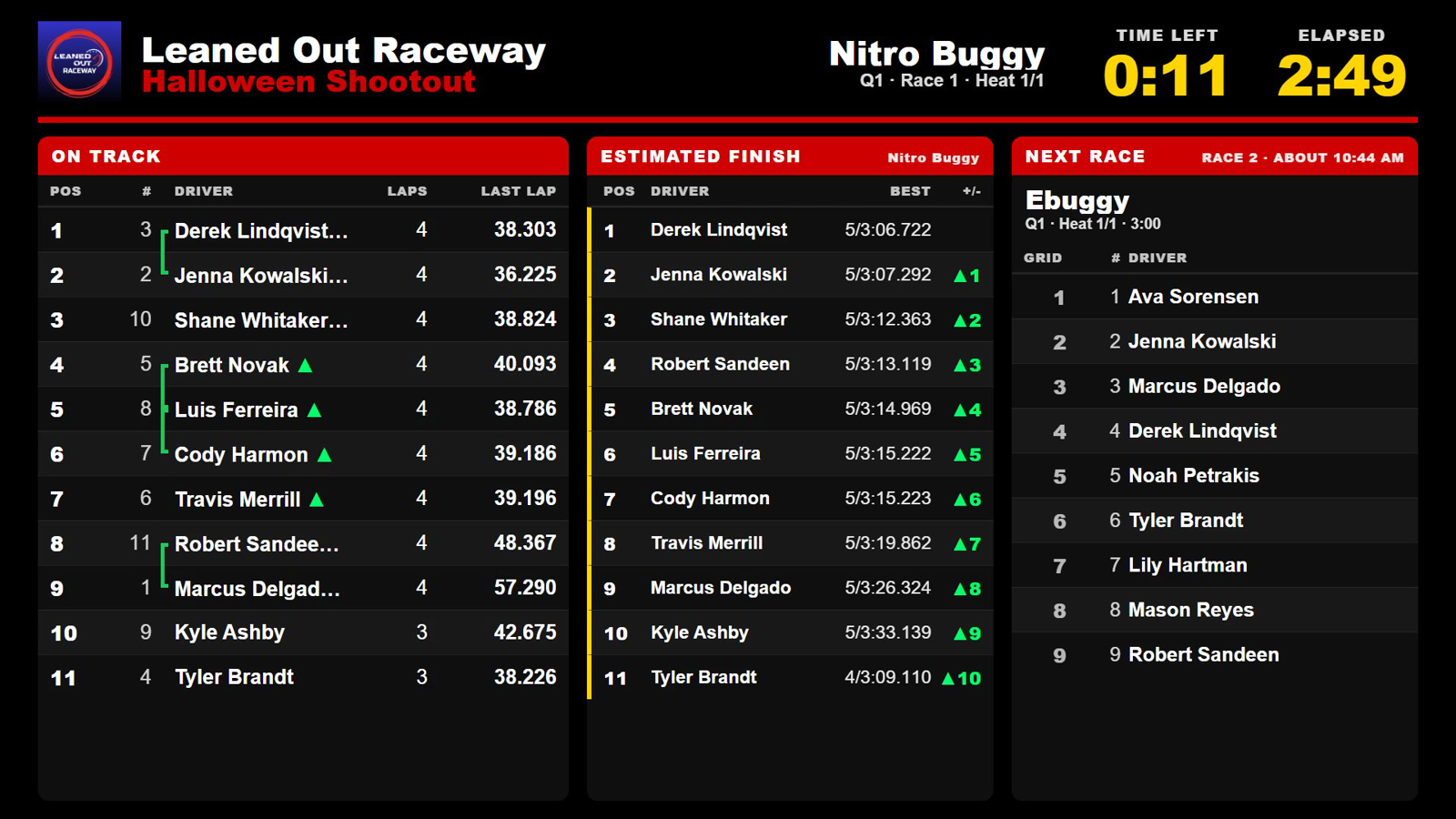
Fourteen OBS overlays, a stream that switches itself, and TV boards with nothing to touch.
See Live RC OverlaysWhich do I need?
Start with the part of race day that takes the most work. Either one runs by itself, and you can add the other later.
| What you get | Race Management | Live RC Overlays | Both |
|---|---|---|---|
| Phone sign-up, the kiosk and the sign board | Yes | - | Yes |
| Check-in and money at the desk | Yes | - | Yes |
| Race control, and one file into LiveTime | Yes | - | Yes |
| Text a group or one racer | Yes | - | Yes |
| OBS overlays and a stream that switches itself | - | Yes | Yes |
| TV boards, heat sheets and the pit clock | - | Yes | Yes |
| Heat texts straight from the scoring PC | - | - | Yes |
| Start times that keep up with the day | - | - | Yes |
| Results, practice and points on racers' phones | - | - | Yes |
| The Race Director page beside LiveTime | - | - | Yes |
| TV board and heat sheet on the web, and backups | - | - | Yes |
| A month | $50 per track | $20 per scoring PC | $70 |
How the day goes
Racers sign up on their phones and get a text receipt. You can see who is coming, class by class.
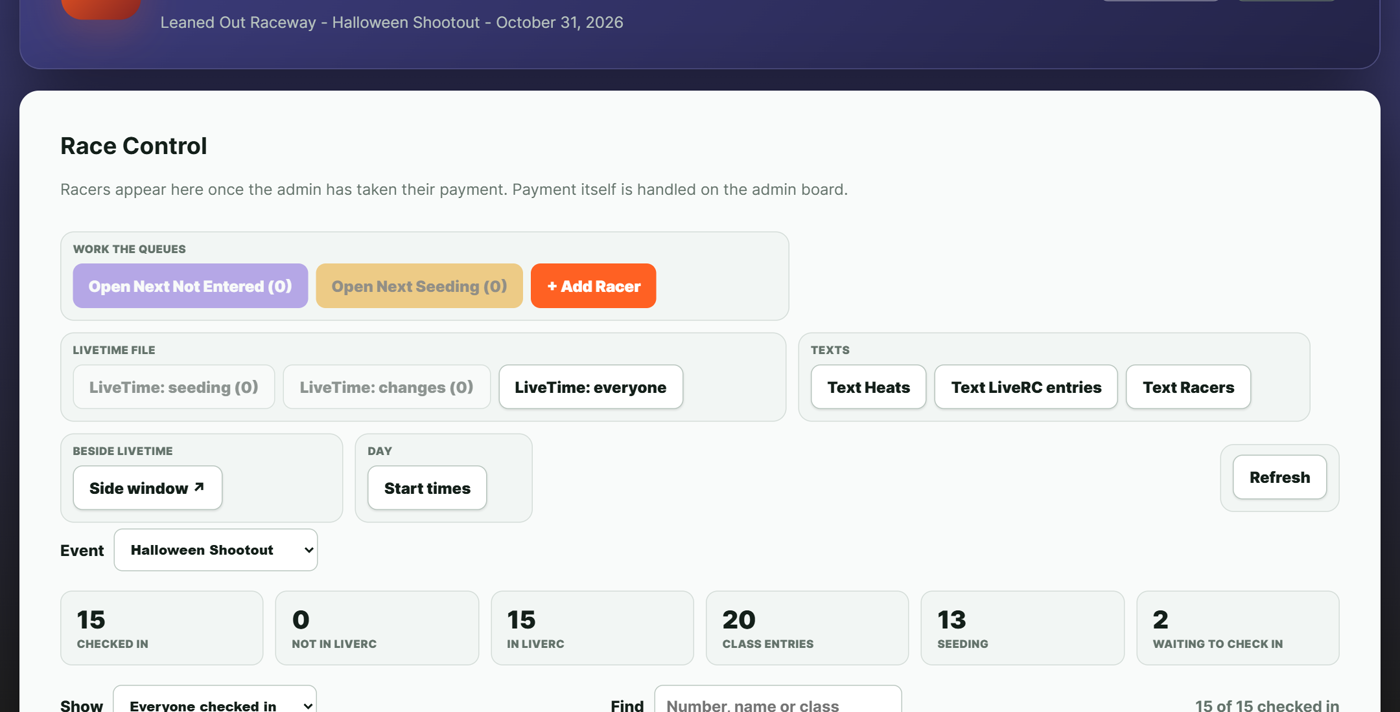
The sign board at the gate shows the sign-up code and the kiosk takes the walk-ups. The desk checks them in. One file puts the whole field into LiveTime.
The TVs turn to practice by themselves, and every run is on the racers' phones.
Every racer is texted their own races and start times. The TVs and the stream follow LiveTime, and the times move as the day runs.
The pit clock for nitro, who is catching who on the TVs, and the stream on the pit scene as the window opens.
Results and laps on every phone, the money counted, the race director's payout worked out, and your LiveTime backup sent overnight.
Set it once, and it runs itself
Your logo and your track's colors on the stream, the TVs, the sign-up form and the racer pages. You set them once, on Race Admin, and they go everywhere.
Back up LiveTime the way you do now, into your folder. The PC sends it off overnight and your last eight are kept.
Export the Series report from LiveTime. The PC sends it within a minute and the standings are on your racers' phones.
Only with both
$70 a month for both
These need the two talking to each other: Race Management's racers and the race on your scoring PC.
- Heat texts to each racer, straight from the scoring PC
- Start times kept current on the TVs, the texts and the racer pages
- Results, practice and points series on your racers' phones
- The Race Director page beside LiveTime, with marshal check-in
- What is on track now, on the sign board at the gate
Also included with both: your TV board and heat sheet on the web, and your LiveTime backups sent overnight.
Not racing for a while? When you stop, we keep your racers, results and My day data for 30 days, then delete them. Suspend your account for $10 a month and we keep them for as long as you like.
Texts
$0.03 to $0.09 a message
Billed separately each month, for what you send.
- Registration text with your logo: $0.09
- Most other texts: $0.03 to $0.06
- Per driver, not per entry: a driver in two classes counts once
- Drivers who opt out get no texts
- Any extra message you send to racers is $0.03 to $0.06 each, on top
Example: a race with 50 drivers, 3 qualifiers and mains is about 50 messages at $0.09 and 200 at $0.03 to $0.06. That comes to $10.50 to $16.50 for the event, and less when drivers opt out.
TV sticks
$100 each
With a one-year warranty.
Kiosk setup
$700 with touch screen
$400 just a Chromebook
The Chromebook is managed by Leaned Out. Or use any device you want: the kiosk is a web page.
Questions
Do I need both?
No. Either one runs by itself. With both you also get the things that need them talking to each other, and your TV board and heat sheet on the web and your LiveTime backups are included.
Is there a free trial?
Live RC Overlays has a seven-day trial with everything on. Race Management has no trial, but we set up your track and your first race with you on a call.
What do I need to run it?
LiveTime. Race Management runs in a browser on any laptop, with nothing to install. Live RC Overlays installs on the Windows PC running LiveTime.
Can I cancel?
Yes, at any time. Your subscription stays active to the end of the month you paid for and does not renew.
What happens to my data if I stop?
We keep it for 30 days, then delete it. To keep it for longer, suspend your account for $10 a month.
See it at your next race
Tell us your track and your next race date, and we will take it from there.
Get in touch